Phone:
(701)814-6992
Physical address:
6296 Donnelly Plaza
Ratkeville, Bahamas.

Phone:
(701)814-6992
Physical address:
6296 Donnelly Plaza
Ratkeville, Bahamas.
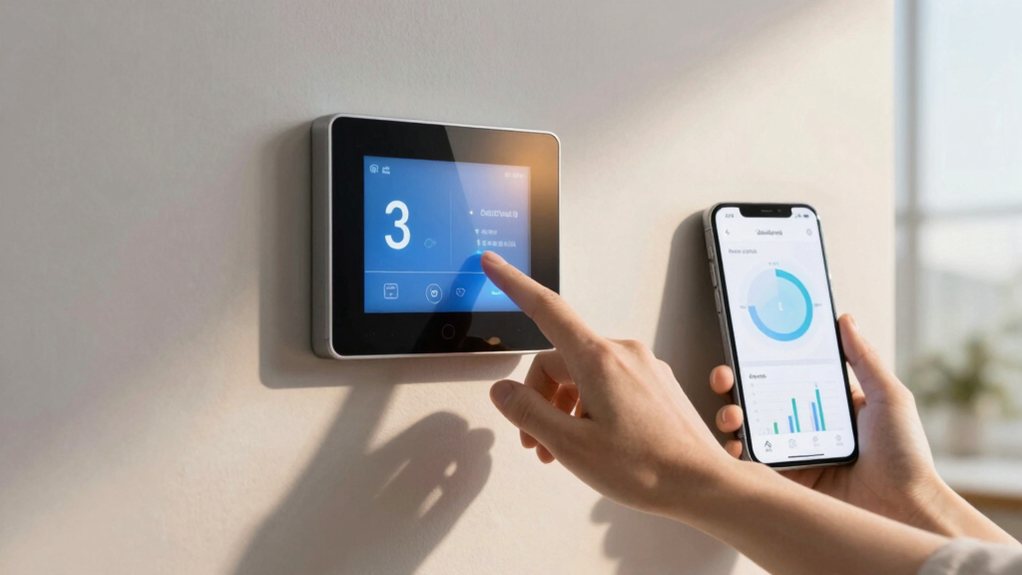
Configure your smart thermostat for maximum savings by programming setpoints and automating away modes, but true efficiency requires...
First, you’ll map your household’s daily routine, like wake and sleep times. Then, program your thermostat’s core schedule with Home, Away, and Sleep setpoints about 7–10°F apart for big savings. Use geofencing and motion sensors to automate away modes, and align cooling with off-peak hours if you have time-of-use rates. Check your thermostat’s energy reports seasonally and tweak your settings—there’s plenty more to explore for even better efficiency.
Table of Contents
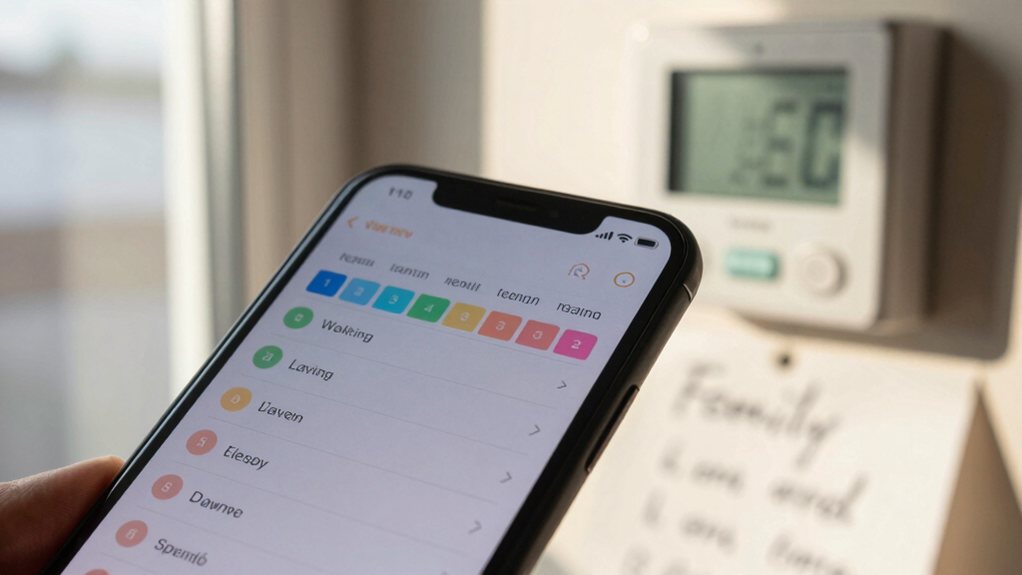
Before you can teach your smart thermostat your preferred temperatures, you’ll need to teach it about *you*—starting with your household’s daily rhythm. Grab a notepad and track your family’s schedule for each day of the week.
Master your home’s climate by first mapping your household’s daily rhythm and routines.
Note when everyone wakes up, leaves for work, returns, and is home or asleep. Spot those long stretches when you’re away from home; that’s your prime energy-saving window.
Program your thermostat to lower the heat or AC during these times. Modern programmable thermostats use this logic, but yours can be perfectly customized.
Think about using extra temperature sensors for rooms you use most. By syncing settings with your actual life, you avoid heating an empty house, which is just smart—and saves you money. Consider integrating a smart home automation hub to centralize control and streamline scheduling across devices.
Now you’re ready to actually set up your thermostat’s schedule, which is often the most satisfying part because you finally start seeing those personalized savings. First, choose your format; a 7‑day schedule gives you total control over every single day.
Next, define your three core temperatures: your cozy Home setpoint, a more efficient Away setpoint, and a relaxed Sleep setpoint. Make your Away and Sleep setpoints about 7–10°F different from Home to really maximize savings.
Remember to account for your thermostat’s recovery time by starting your ‘wake’ period about 20 minutes early. If you’re on a time‑of‑use energy plan, try to pre‑cool before peak rates hit. This smart planning makes comfort automatic and savings effortless. Integrating a smart home automation system can further streamline these schedules across devices.
Here’s how to make it work:
1. Place remote temperature and occupancy sensors in key rooms.
to let your thermostat average readings and respond to real use.
2. Set sensors to trigger your smart home system;
if no motion is detected for hours, that zone can automatically set back.
3. On a time-of-use plan, try pre-cooling your main living space during off-peak hours.
Just confirm thermostat compatibility with your zoning hardware first for a seamless setup.
Integrate these sensors with a smart home hub system for centralized control and easier automation.
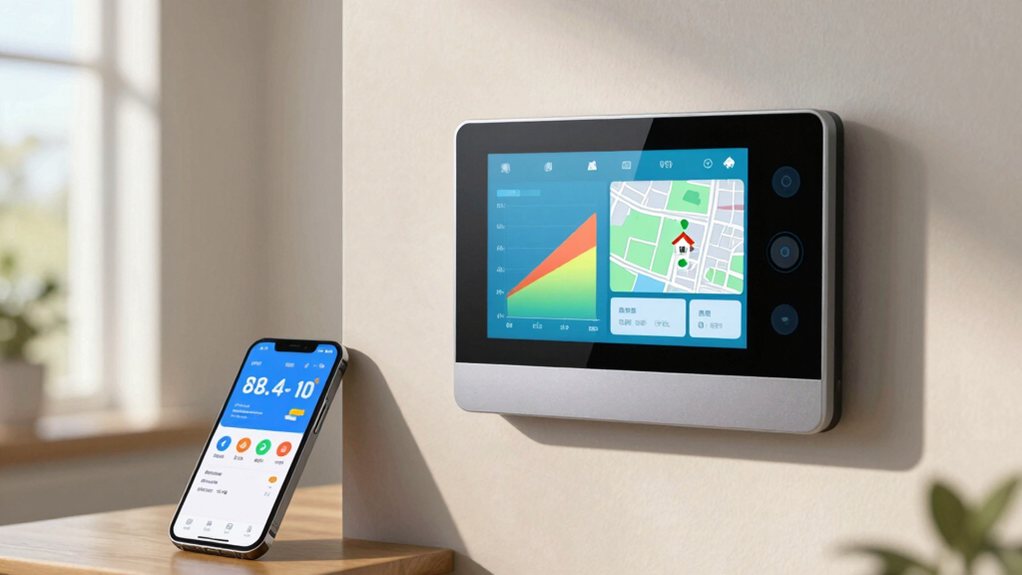
To maximize your smart thermostat’s efficiency, you can set up geofencing, which uses your phone’s location to automatically switch to an energy-saving “away” mode when you leave and back to your “home” comfort when you return.
Meanwhile, the learning mode observes your daily adjustments and occupancy patterns for about a week to create a customized schedule that reduces HVAC runtime without you having to program it constantly. You can also integrate lighting and climate with a smart home lighting system to coordinate occupancy-based scenes and further save energy.
To make geofencing work reliably for you:
1. Set a strong away setpoint for heating and cooling—
studies show this can reduce energy use by over 20%.
2. Use multiple inputs like motion sensors to avoid false triggers if you leave a phone behind.
3. Check your app permissions and Wi-Fi so the system knows exactly when to switch modes.
Prefer devices and sensors that support 2.4 GHz Wi‑Fi to ensure reliable geofencing connections.
Ever wondered how a thermostat can practically read your mind? That’s the magic of smart thermostats learn your routine. They observe your manual make adjustments over about a week, noticing when you’re asleep or away.
Then, they automatically tweak your home’s temperature by making gradual, energy‑saving shifts. This smart scheduling slashes energy use, helping you save money without you lifting a finger.
You don’t even need to constantly set your thermostat manually. It’s a huge perk of upgrading to a smart model.
For best results, pair this learning mode with geofencing. Set your home and away temperatures 7–10°F apart, and let the algorithms handle the rest, cutting HVAC runtime while keeping you perfectly comfortable. Consider securing access with a smart door lock when integrating home automation for convenience and safety.
Here’s how to set it up smartly:
1. Enable phone-based geofencing** paired with Smart Home/Away or motion sensors**.
This refines detection over time, preventing false “away” events when you’re just reading quietly.
2. Set a smart away temperature offset**, like 7–10°F** from your normal comfort zone.
This captures savings without making returning home (or leaving your pet) an extreme experience.
3. Add a sensible vacancy delay**** of 30–60 minutes.
This avoids short trips from triggering your HVAC, so a quick grocery run doesn’t reset your house to sauna or icebox mode.
Combined with smart scheduling, this automated away strategy can substantially cut your energy bills. For whole-home integration, consider compatibility with smart home electrical panels to centralize control and monitoring.
If you’re on a time-of-use (TOU) electricity plan, you already know that power can get pricey during peak hours, but with a smart thermostat, you can outsmart those higher rates.
Your smart thermostat allows you to program a strategy that works for you.
The trick is to pre-cool your home by lowering the temperature a few degrees a couple hours before peak rates kick in.
This stores coolness in your home’s thermal mass.
Then, when expensive peak hours arrive, program your thermostat to raise the setpoint by 4–6°F.
You’ll rely on that stored coolness and fans for comfort while your compressor rests.
Adjusting the temperature this way helps you take advantage of cheaper off-peak power, which can seriously save on energy bills by using less juice when it costs the most.
You’ll reduce unnecessary strain on your HVAC and your wallet.
You can also integrate smart kitchen lighting to coordinate schedules with your thermostat and improve overall home energy management.
1. Target Seasonal Changes: Look at the heating vs cooling runtime breakdown.
For big savings, plan seasonal schedule adjustments like raising your summer “away” setpoint setbacks and lowering the winter one by 7–10°F.
2. Check Your Progress: Compare your report trends to known savings benchmarks to see if your tweaks are really working.
3. Sync with Savings Windows: Use the HVAC runtime analysis to align your schedule with pre-cool/off-peak timing, time-of-use alignment, and solar-production coordination.
A little seasonal review keeps your savings on track!
Consider integrating indoor air quality improvements with a whole house air purifier for comprehensive home comfort.
And there you have it! You’ve mapped your days, set your schedules, and let your thermostat do the smart work. Now you’re set to save money without sacrificing your comfort one bit. Just remember to check those energy reports a few times a year and tweak things with the seasons. You’ve got this—your cozy home and your happy wallet are the proof.