Phone:
(701)814-6992
Physical address:
6296 Donnelly Plaza
Ratkeville, Bahamas.

Phone:
(701)814-6992
Physical address:
6296 Donnelly Plaza
Ratkeville, Bahamas.
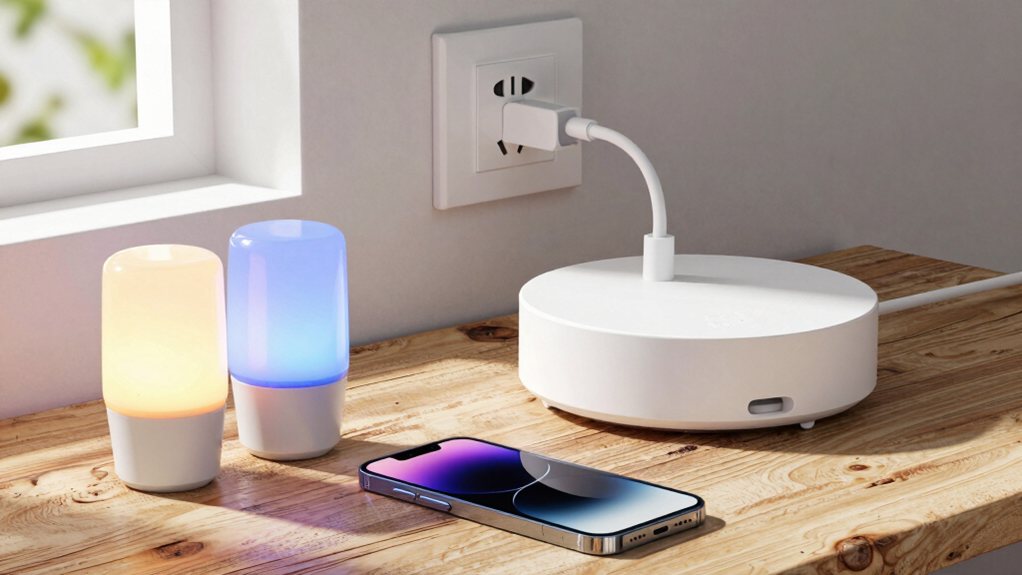
Plan your wireless smart home upgrade to control lighting, security, and climate—discover how to integrate everything seamlessly without new wires.
You can easily upgrade your home without rewiring! Start with smart plugs for instant appliance control, and use smart bulbs or switches for your lighting. Add wireless cameras and sensors for security, and a smart thermostat for climate. You’ll need to understand key wireless protocols like Wi‑Fi, Zigbee, or Z‑Wave, and a central hub can tie everything together neatly. Let’s get into how to pull this off seamlessly.
Table of Contents
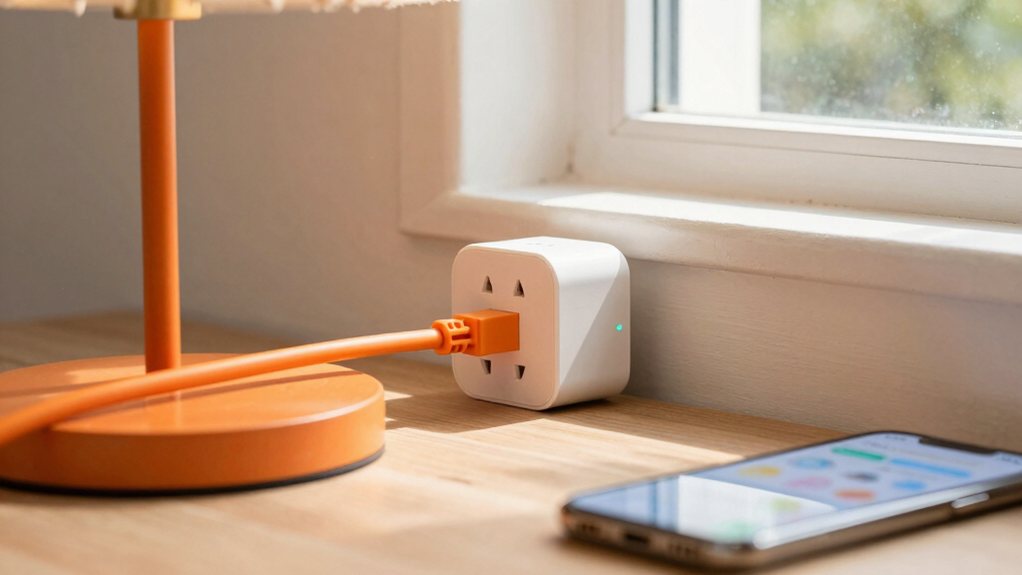
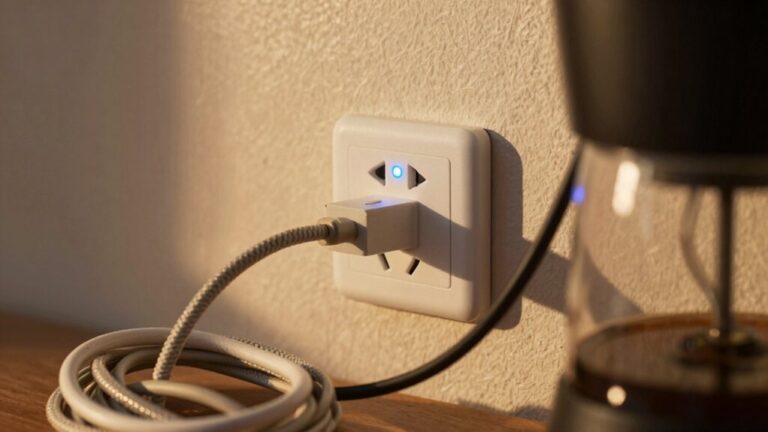
If you’re looking for a super simple way to dip your toes into smart home tech, starting with smart plugs is like getting a cheat code for your house. You simply plug one into your existing outlet and then plug your lamp or fan into it.
Suddenly, you can turn that appliance on or off with your phone or voice, no electrician required. It’s perfect for creating the illusion you’re home while on vacation. Many models also feature energy monitoring, letting you see exactly how much power your devices guzzle, which can be a real eye-opener.
Plus, built-in outlet safety features like overload protection give you peace of mind. You’ll wonder how you ever lived without this little gadget. Many retailers group these into comprehensive smart home automation packages that include hubs, sensors, and smart plugs.
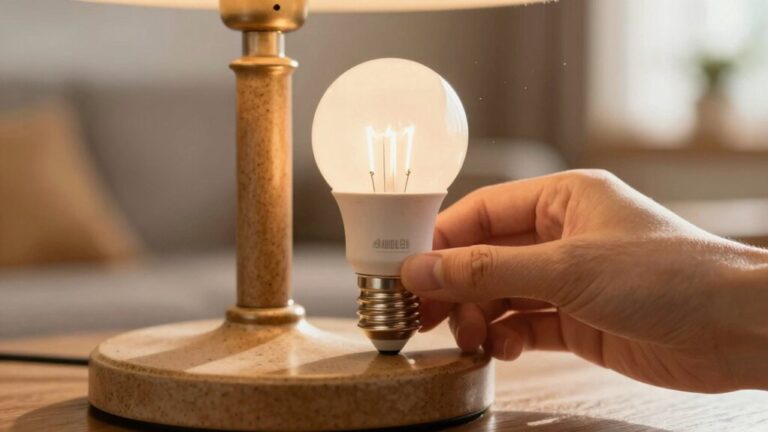
Ready to transform the mood of any room with just your voice or a tap on your phone? Upgrading your lighting is your next brilliant step. You don’t need an electrician to start. Smart bulbs screw right into your existing lamps, offering instant control over color and brightness.
For a more permanent solution, consider a fixture retrofit with smart switches, which replace your old wall plates and control whole ceiling lights. The real magic happens when you create mood presets—like a “Movie Night” dim or a bright “Morning Coffee” scene.
You can schedule lights to mimic your presence while you’re away, a handy trick that’s both clever and comforting. It’s lighting, but smarter and way more fun. Many smart bulbs require 2.4 GHz Wi‑Fi for setup, so check your router band before you buy.
How about adding a set of digital eyes and ears that keep watch even when you can’t? Wireless cameras and sensors are your perfect, no-wiring-needed allies.
Start with camera placement; put one facing your main entry and another covering a backyard gate. The key is covering chokepoints without pointing directly at a neighbor’s window, please!
Start with camera placement: cover key entry points like your main door and backyard gate while respecting your neighbors’ privacy.
Next, tackle sensor calibration. Your door and window sensors need to talk perfectly to the hub.
Test them a few times—open and close, open and close—until you’re confident they won’t cry wolf. It’s a straightforward process that turns your home into a smart fortress, giving you serious peace of mind with just a few hours of simple setup. Consider shopping for a reliable wireless security camera system to get started.
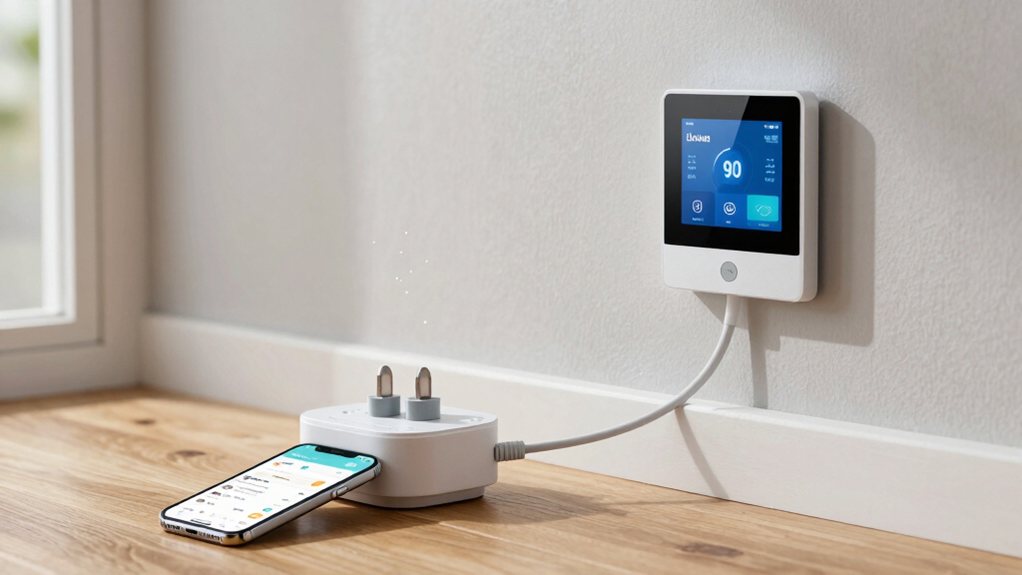
Now that your home is secure, let’s make it comfortable.
Smart thermostats are a game-changer, letting you schedule heating and cooling from your phone.
For ultimate control, try zoning strategies; use plug-in heaters to warm just the rooms you’re in, saving energy elsewhere.
These little heaters are surprisingly smart and can be scheduled too.
Don’t forget about humidity control, because a home that’s too dry or damp just feels wrong.
Some thermostats monitor this, or you can get a smart humidifier.
You’ll avoid that dry winter air and summer mugginess, making everything feel more pleasant.
It’s about crafting your perfect climate without needing an engineering degree—just a few clever plugs and a good app.
You can centralize control and connect different device types through a smart home automation hub to simplify management.
While you’re getting cozy with your perfectly tuned climate, you’ll want to understand the invisible conversations happening between your gadgets.
The big three wireless protocols are Wi-Fi, Zigbee, and Z-Wave.
Wi-Fi is the household name, perfect for devices needing lots of data, like cameras.
Zigbee and Z-Wave, however, create their own low-power mesh networks, where gadgets talk to each other to extend range.
Unlike Wi-Fi, Zigbee and Z-Wave form efficient mesh networks, letting your devices communicate to boost their overall range.
Their Protocol Histories are shaped by competing Industry Alliances, which is why they don’t always play nice together.
Think of it like choosing between different social clubs for your tech.
You don’t need to be an engineer, but knowing this helps you pick compatible devices and avoid a house full of gadgets that give each other the silent treatment.
Consider adding a smart home hub system to unify devices across protocols.
Now that you’re familiar with the different wireless languages, you’ll want to pick a central hub that speaks them all.
Check that your chosen hub is compatible with your specific mix of Wi-Fi, Zigbee, and Z-Wave devices, which is the main thing to get right. A good hub acts like a friendly translator, letting you manage everything from one simple app instead of juggling a dozen different apps. Consider choosing a hub compatible with popular smart home lighting system products to streamline setup and avoid buying additional adapters.
Once you’ve started collecting smart gadgets, you’ll quickly realize they don’t always talk to each other, which is why picking the right hub is like choosing a universal translator for your home.
First, consider local processing. Hubs that process commands locally, without needing the cloud, are fantastic for speed and reliability, keeping your lights on even if your internet drops.
Next, do some serious budget planning. Hubs range from affordable to premium, so decide what features are must-haves versus nice-to-haves.
Also, check which wireless protocols, like Zigbee or Z-Wave, the hub supports to guarantee it speaks your devices’ language.
A little research upfront saves you from the headache of a smart home that isn’t very smart.
Consider integrating Smart home electrical panels to centralize control and simplify future device expansions.
Because your smart gadgets can speak different wireless languages, you’ll need a hub that understands them all to keep your home from becoming a tower of tech babble. Think of it like a universal translator for your devices.
You’ll want a hub with strong Bluetooth interoperability, so it can easily chat with those simpler gadgets like sensors or smart locks. More importantly, look for Matter readiness. This new standard is a game-changer, promising to let all your future devices, regardless of brand, work together seamlessly.
Choosing a hub that supports these protocols saves you from future headaches. It’s the secret to a peaceful, cooperative smart home where everything just works, without you needing a degree in computer science. Many online retailers include a section that lists products like smart door lock for sale on a webpage.
While you’re picking a hub for all those wireless devices, remember its real superpower is giving you a single, easy-to-use command center for your entire smart home.
You can control lights, locks, and thermostats from one app, which is a huge relief. A good hub also offers role management, letting you grant different access levels to family members or guests—no more worrying about a visitor fiddling with the thermostat!
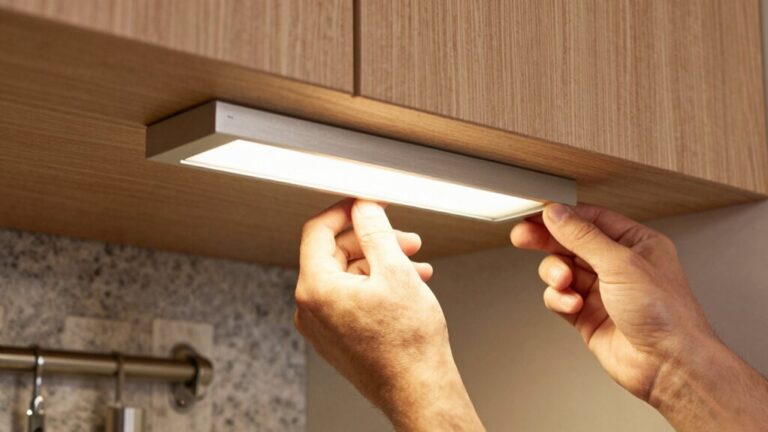
For peace of mind, check for audit logs. They keep a record of who did what and when, so if a light mysteriously turns on at 2 a.m., you can play detective. It’s about simplifying your life while keeping everything secure and organized in one spot. Many homeowners also integrate smart kitchen lighting systems to enhance ambiance and task lighting without rewiring.
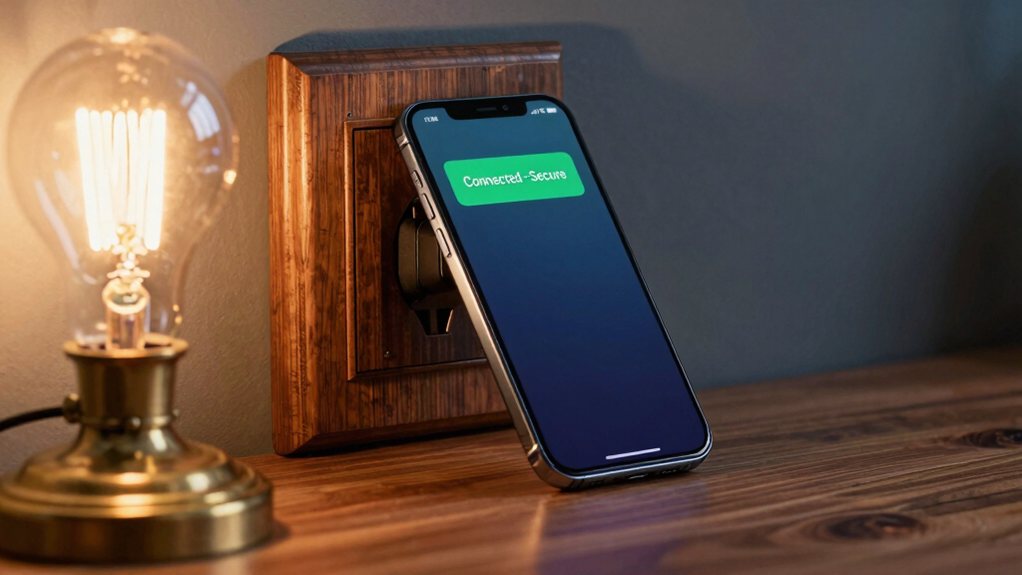
Have you ever stopped to think about how many tiny computers are now running your home? That’s why Password Management is your first, best defense.
Ditch the easy-to-guess codes and use unique, strong passwords for every device and account—a password manager can handle this chore for you.
Next, get familiar with Network Monitoring. Your router’s admin panel is a treasure map showing every connected device.
Check it weekly to spot any unfamiliar gadgets trying to freeload on your Wi-Fi. Think of it as a digital guest list for your home’s party.
This regular habit isn’t about paranoia; it’s simple, smart oversight. A secure network means your smart home works for you, not against you, letting you enjoy the convenience worry-free. Also consider securing any connected cameras such as a smart video doorbell to reduce potential entry points.
A little patience and these steps will usually get your team talking again.
Now that your smart home devices are connected and humming along nicely, you can make them truly shine by adding voice commands and handy automations.
Start by creating Routine Scenes—single commands that trigger multiple actions. Just say, “Good morning,” to have your lights turn on, your blinds open, and your coffee maker start brewing. It’s like having a personal butler without the fancy suit!
Next, set up Voice Shortcuts for complex tasks. Instead of listing each step, a simple phrase like “Movie night” can dim the lights, lower the thermostat, and turn on your TV.
These automations save you time and make your home feel effortlessly intelligent, turning daily routines into moments of pure convenience.
So, you’ve seen how you can make your home smarter without tearing up the walls. It’s all about starting small, maybe with a smart plug or bulb, and building from there. You can connect everything wirelessly and even get devices talking to each other with a simple hub. Just remember to keep security in mind as you go. Honestly, it’s easier than you think, and the convenience is totally worth it.