Phone:
(701)814-6992
Physical address:
6296 Donnelly Plaza
Ratkeville, Bahamas.

Phone:
(701)814-6992
Physical address:
6296 Donnelly Plaza
Ratkeville, Bahamas.
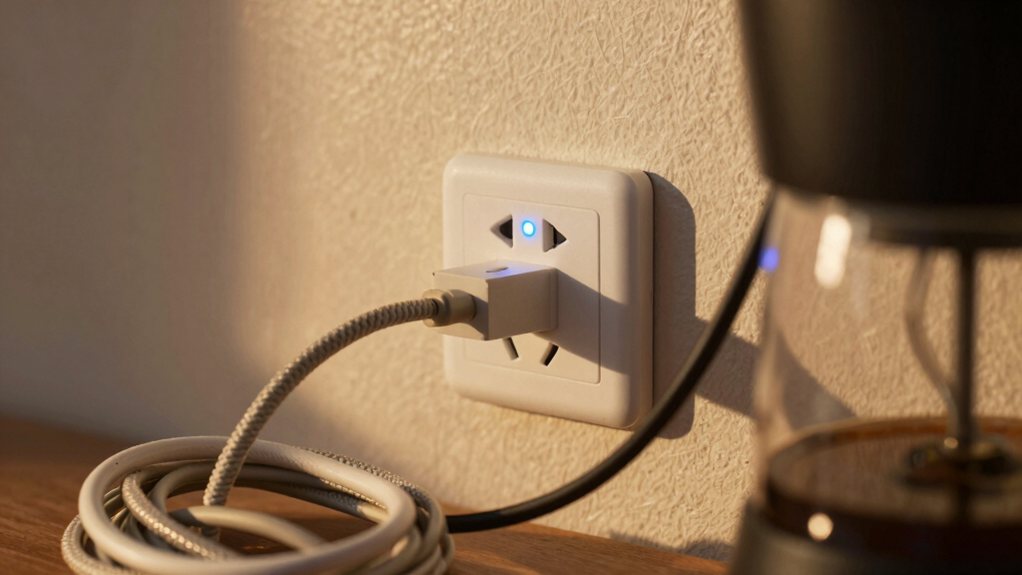
Get smart plugs to control your lights, fan, and coffee maker remotely; discover how this simple upgrade can transform your daily routine.
Smart plugs are your ticket to effortlessly controlling lamps, fans, and coffee makers. You just plug them in, connect via an app, and you can turn devices on or off remotely or on a schedule. Never leave a light on again, pre-cool a room with a fan, or wake up to a ready brew. It’s a simple upgrade that adds serious smarts to your daily routine, and there’s plenty more to explore about making it work for you.
Table of Contents
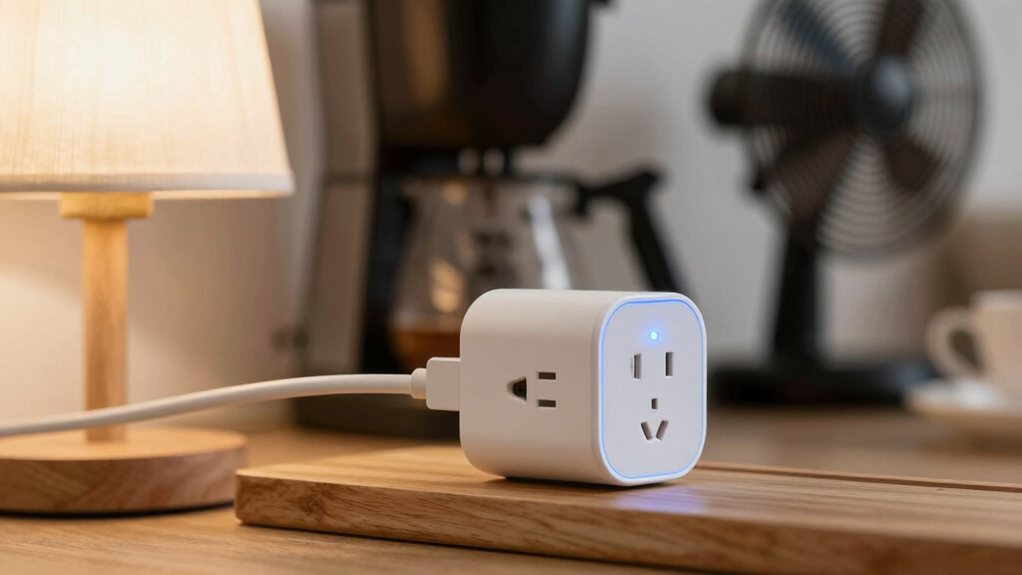
Ever wonder how you can make that old lamp in the corner suddenly listen to your voice or turn on automatically at sunset?
The secret is a smart plug. It’s a simple adapter you plug into your existing wall outlet, and then you plug your device into it. Think of it as a tiny, internet-connected power switch.
At its core, a smart plug is just a tiny, internet-connected switch for your wall outlet.
Inside, its hardware components include a relay to physically cut or allow power flow and a wireless radio. This radio uses communication protocols like Wi-Fi or Zigbee to chat with your home network.
You then control it through an app on your phone or with voice commands. So, you’re not really making your lamp smarter; you’re giving its power cord a brain, and a surprisingly chatty one at that. They can also integrate with a smart home automation hub to centralize control.
Now that you know how these clever little gadgets work, how do you pick the perfect one from the crowded shelf?
First, check what smart home system you use, like Alexa or Google Assistant, so you know it’ll connect. Think about what you’ll plug in—a simple lamp needs less power than a space heater.
Look for important safety features; some have eco certifications to prove they’re energy-efficient. Don’t forget to read the brand warranties, because a good guarantee means the company stands by its product.
It’s like choosing a reliable friend for your outlet! This bit of homework saves you from future frustration and guarantees your smart home runs seamlessly. Consider whether you might want a smart home hub to centralize control and enable connected living across devices.
Once you’ve chosen your smart plug, setting it up is surprisingly simple and only takes about five minutes.
You’ll just plug it into an outlet, download the companion app, and follow the prompts to connect it to your Wi‑Fi.
Before you know it, you’ll be turning a lamp on with your voice, which feels a bit like magic, or at least like you’ve finally joined the future.
You can browse a range of accessories and complete smart home automation system options to expand your setup.
Because you’re ready to make your home a little smarter, choosing the right plug is your first step, and it’s easier than you might think.
First, check the wattage rating to verify it can handle your device, like a powerful space heater or coffee maker. Next, consider design. Many brands offer various color options to match your outlets and decor, which is a nice touch. You might also peek at the packaging sustainability if reducing waste is important to you.
Finally, think about whether you need outdoor-rated plugs for patio lights or simple indoor ones for a lamp. It’s like picking the perfect tool for a simple job—get this choice right, and you’re set for seamless automation. Also check compatibility with your smart home lighting system to ensure consistent control.
You’ve picked out your perfect smart plug, and you’re just moments away from telling your lamp to turn on with your voice or a tap on your phone. First, plug the device into your outlet and download its companion app.
Follow the in-app instructions, which typically involve connecting to the plug’s temporary Wi-Fi network. Here’s a pro tip: during setup, get into the habit of good password management for your smart home account to keep everything secure.
Once connected, immediately start labeling devices in the app—calling a plug “Bedside Lamp” is far less confusing than “Device_1A2B.” This whole process truly takes about five minutes.
Then, you can sit back, relax, and command your coffee maker to brew from the comfort of your couch. If possible, verify the plug’s compatibility with 2.4 GHz Wi‑Fi during setup to avoid connection issues.
While smart plugs are fantastic for convenience, treating them with a little respect for safety is just as important as remembering your Wi-Fi password.
Smart plugs are fantastic for convenience, but treating them with respect for safety is equally important.
First, think about surge protection. Plugging your smart device into a surge protector is a simple move that shields both the plug and your appliance from unexpected power spikes.
Next, consider childproofing plugs. If you have curious little ones, use outlet covers for any unused sockets, and try to place smart plugs behind furniture where tiny fingers can’t reach them to toggle the switch.
You should also check your appliance’s wattage rating and confirm your smart plug can handle it—overloading is a quick way to create a very un-smart situation.
It’s all about enjoying the ease without the oops. Consider upgrading to smart home electrical panels for improved circuit management and integration with your smart devices.
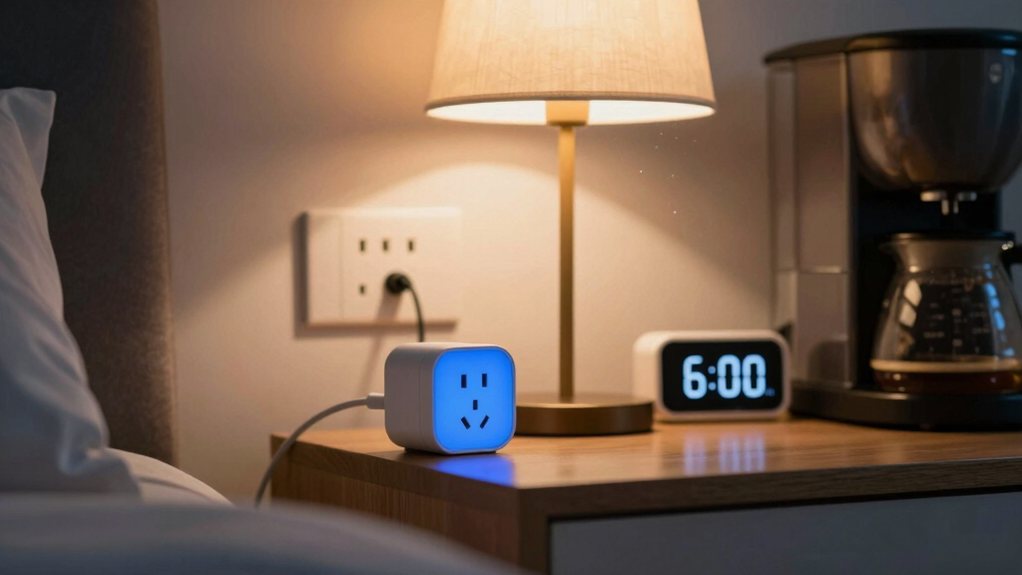
Moving from safety to daily ease, you can make your smart plugs work for your schedule, especially with bedside lamps.
Imagine your lamp gently brightening to simulate sunrise, helping your body’s natural circadian lighting rhythms. This “wake up” routine can make mornings feel less jarring.
In the evening, schedule your lamp to dim gradually, creating a perfect bedtime ambience that signals your brain it’s time to wind down. You’re basically teaching your room to help you sleep better!
It’s like having a considerate roommate who handles the lights. Setting these routines is simple in your smart home app, turning a basic lamp into a powerful tool for your daily rhythm without any fuss. You can also integrate these routines with smart kitchen lighting systems to coordinate lighting across rooms.
Extending your home’s intelligence to a simple fan opens up a surprising level of comfort and cost savings. You can schedule a smart plug to turn a fan on before you get home, greeting you with a cool breeze.
This isn’t just about convenience; it’s smart airflow optimization. By placing fans in key rooms, you create thermal zoning, cooling only occupied spaces instead of running your whole-house AC more.
Smart airflow optimization creates thermal zoning, cooling occupied rooms without overworking the whole-house AC.
You’ll save energy and money, which is a win-win. Imagine your bedroom fan turning off automatically after you fall asleep.
It’s a small automation that makes daily life more seamless and your home more responsive. A simple fan becomes a powerful tool for personalized comfort. For best results, pair your fan with models that have a high CFM per watt rating to maximize airflow while minimizing energy use.
You can use a smart plug to automate your morning brew, so your coffee maker is ready when you are.
You can also schedule it to turn off later, making sure you never leave the appliance running all day.
With remote control, you can check and manage your plugged-in appliances from your phone, giving you real peace of mind.
Many homes now use smart door locks for keyless entry and added security.
Ever wonder if your coffee maker has a mind of its own, turning into a silent energy vampire after you’ve dashed out the door? A smart plug solves that.
You can schedule it to power your brewer exactly when you need it. Wake up to the smell of coffee already made.
This automation also opens doors to flavor experiments. Try a slower, overnight cold brew by setting the timer to turn off automatically.
It supports your morning cup rituals, too, making sure your favorite mug is filled on time, even on chaotic days. You gain peace of mind, knowing the appliance safely disconnects. It’s a small upgrade that makes your morning routine feel effortlessly sophisticated and reliably secure. You can also integrate it with a smart video doorbell to coordinate routines like pausing brewing when you’re away.
While smart plugs can kickstart your morning, they’re also champions at wrapping things up, guaranteeing you never again leave home with that nagging worry about the coffee maker still humming. You can easily schedule your appliances to power down automatically.
Set your coffee maker to turn off an hour after you leave for work, saving energy and giving you peace of mind. For a more refined approach, consider creating staggered shutdowns for your entertainment center, turning off components in sequence.
You can also set special holiday schedules for lamps, making your home look lived-in while you’re away visiting family. It’s like having a reliable, digital house-sitter who never forgets a single task, freeing you from that last-minute double-check at the door.
Even though you’ve scheduled your appliances to shut down on their own, life has a habit of running off-schedule. That’s where remote control from anywhere saves the day.
Using your smartphone app, you can turn off that forgotten coffee maker from the office or switch on a lamp before you get home. It works over your home Wi-Fi, but good systems also have a cellular fallback, keeping you connected even if your internet hiccups.
Just be mindful of data privacy; choose reputable brands with strong security to keep your information safe. Ultimately, this feature hands you back control, letting you manage your home with a simple tap, no matter where your day takes you. It’s peace of mind in your pocket.
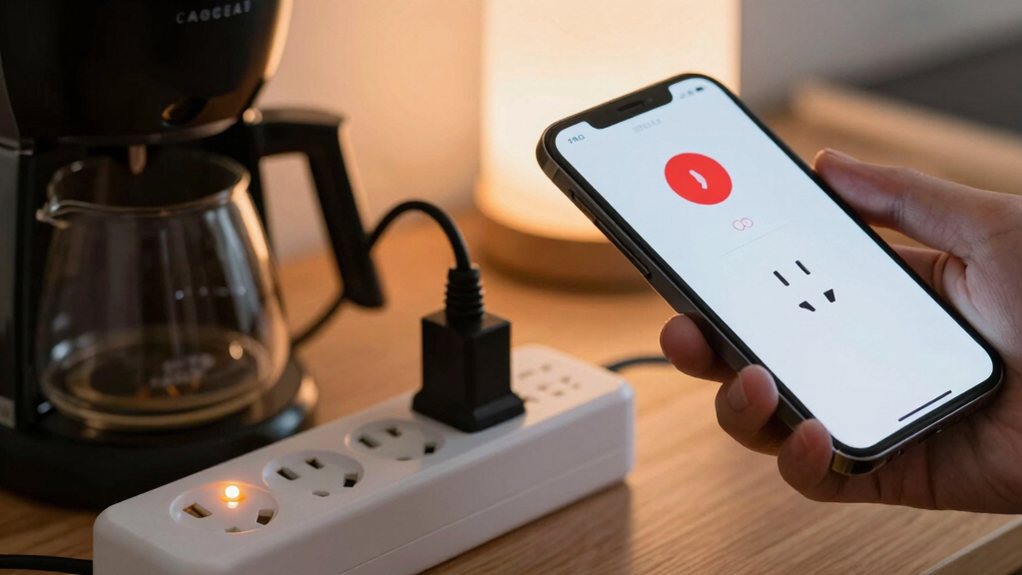
Since you’ve got your smart plug set up, it’s normal to hit a small snag now and then—they’re handy gadgets, but they can be a little finicky.
If your plug isn’t responding, first check your Wi-Fi and try a simple power cycle. Unplug it for ten seconds, then plug it back in; it’s the tech equivalent of a deep breath.
Sometimes, outdated software causes hiccups, so make sure your plug’s firmware is current. A rare case of firmware corruption might require a full reset, but that’s a last resort. Also, check for app conflicts if you use multiple smart home apps, as they can sometimes confuse your plug. Most issues are quick fixes, so don’t get frustrated. With a little patience, you’ll have everything running seamlessly again in no time.
Once you’ve got your smart plug up and running seamlessly, you can really start to have some fun by setting up advanced schedules and linking voice commands.
Move beyond simple on/off times by creating different schedules for weekdays and weekends. For instance, you can program your coffee maker to brew only on workday mornings, giving you a free sleep-in on Saturday.
Ditch basic timers. Schedule your coffee maker for workday mornings only and reclaim your weekend sleep-ins.
Voice commands add another layer of convenience, letting you control devices hands-free. Just say the word to turn on a lamp as you enter a dark room.
As you invite more people into your smart home, remember to review the privacy controls and set appropriate user permissions in your app. This guarantees only trusted voices can command your gadgets, keeping everything secure and personalized.
So, you’ve seen how these little plugs can make your lamps, fans, and coffee maker smarter. It’s a simple start to a more convenient home, saving you energy and even a bit of worry. Remember to choose wisely and set up safely. Now, go enjoy your automated morning coffee or that perfectly timed fan—your daily routines just got a whole lot easier, and honestly, a bit more fun.